
How to create a Clickbank affiliate account – Step by step affiliate sign up
Just follow the step by step below to sign up for for ClickBank affiliate account.
Step : 1
Go to clickbank.com and Click on Start here

Step : 2
Click on Skip this quick start guide
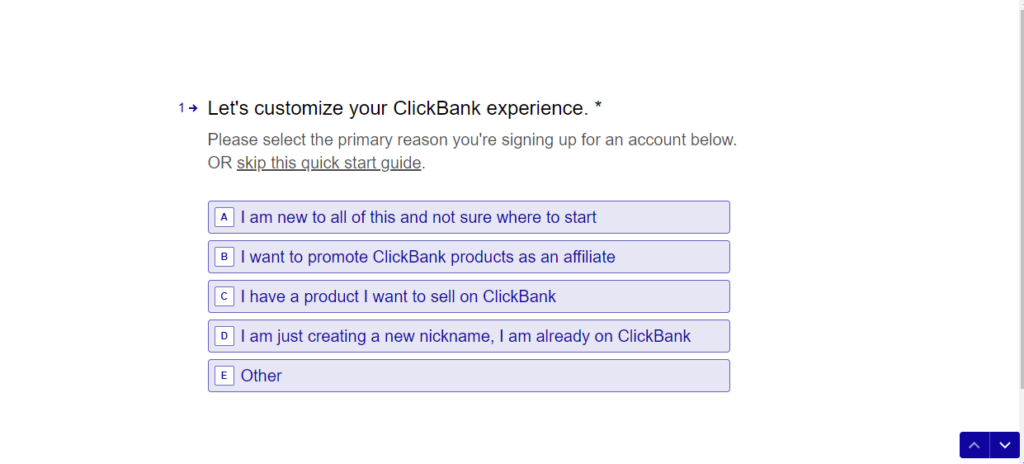
Step : 3
Sign up by entering your personal information such as Country, your First name and Last name, a phone # , Email and a password

Step : 4
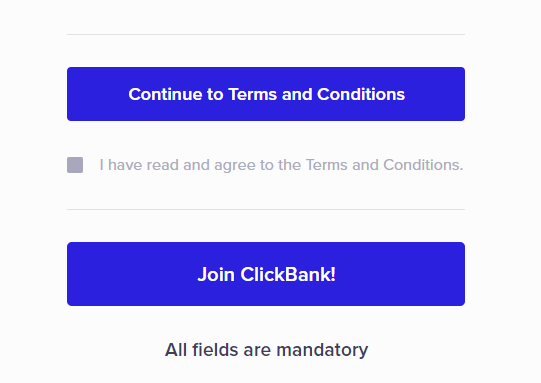
Click on Continue to Terms and conditions
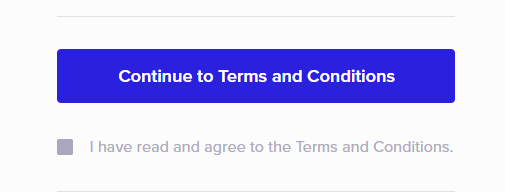
Step : 5
Scroll down and click on accept Terms and conditions
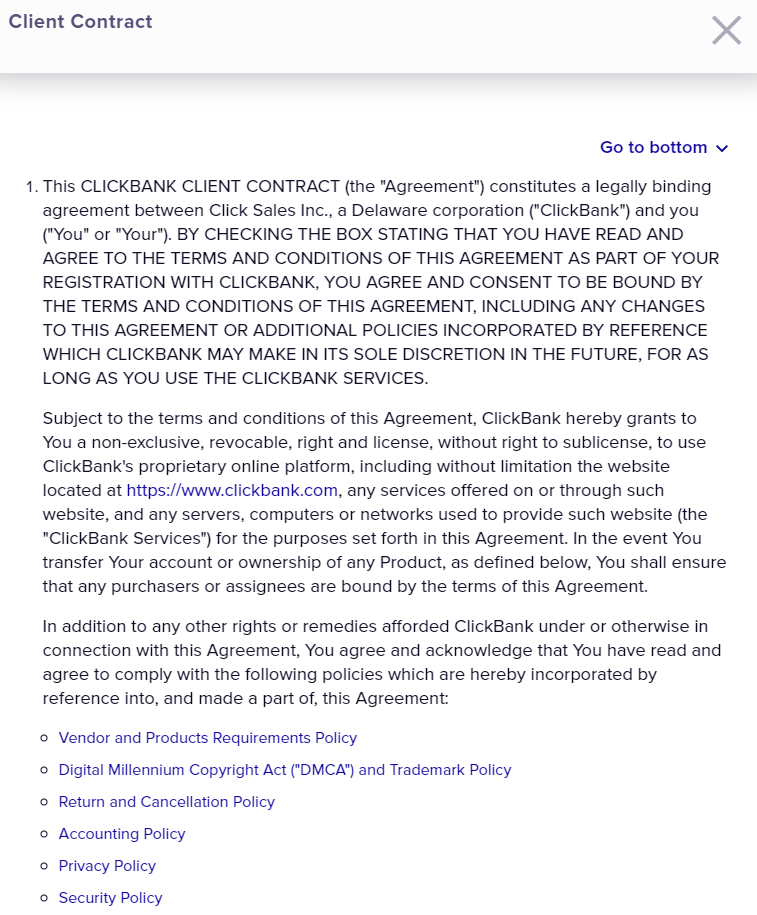
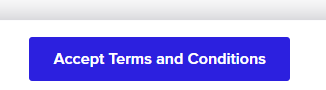
Step : 6
Check mark I have read and agree to the Terms and conditions and Click Join ClickBank
Step : 7
Click join if you want free training or Click on No thanks, continue to sign up

Step : 5
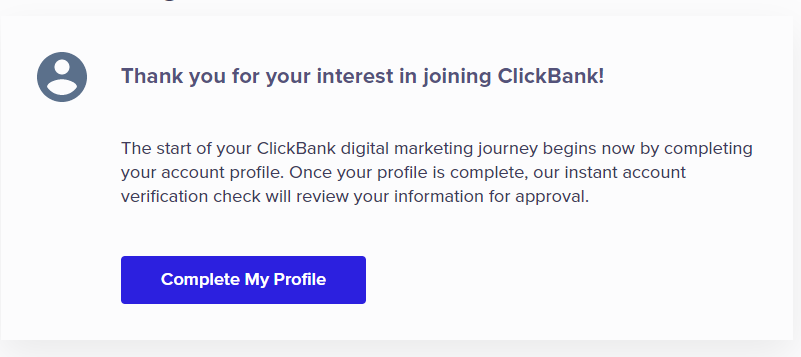
Click on Complete my profile
Step : 6
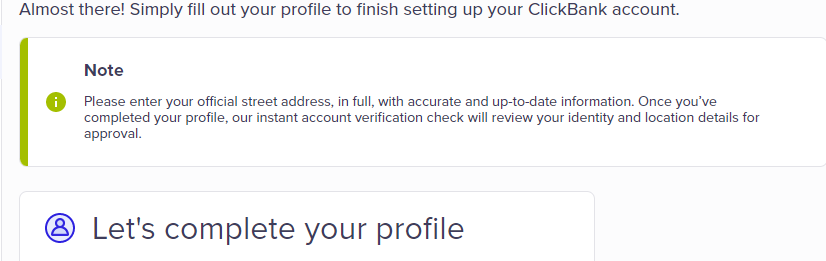
Fill out your profile ,add an optional email recovery, add your address, add how you would like to be paid to get instant approval.
Step : 7
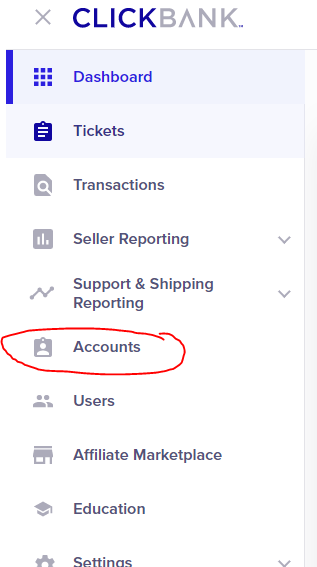
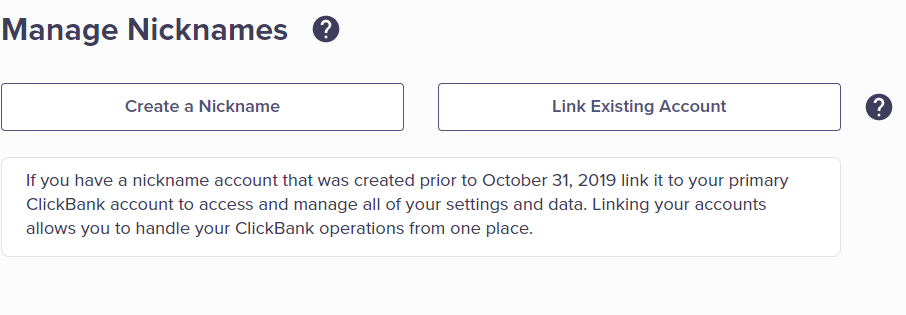
Go to accounts to create a nickname
Step : 8
Click on Create a Nickname
Step : 9
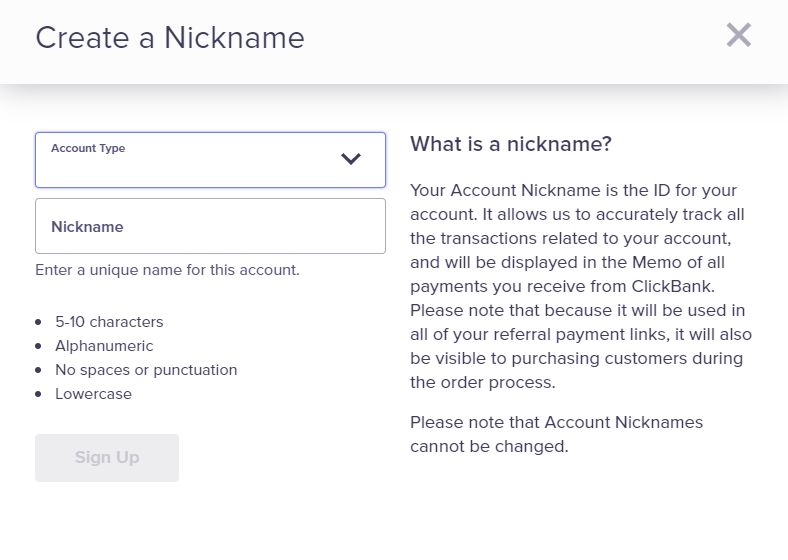
Click on Account Type and select Affiliate (Promote Products) and Type down your Nickname, then click on Sign up
How to choose a offer to Promote
Step : 10
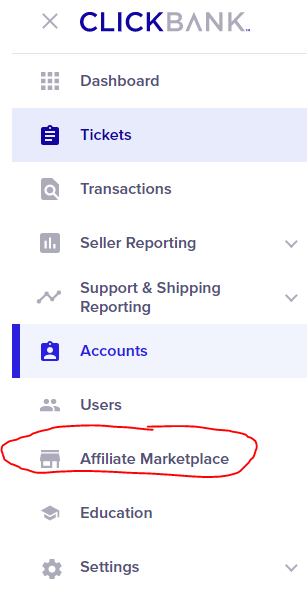
now you can go to Affiliate Marketplace to find products to promote
Step : 11
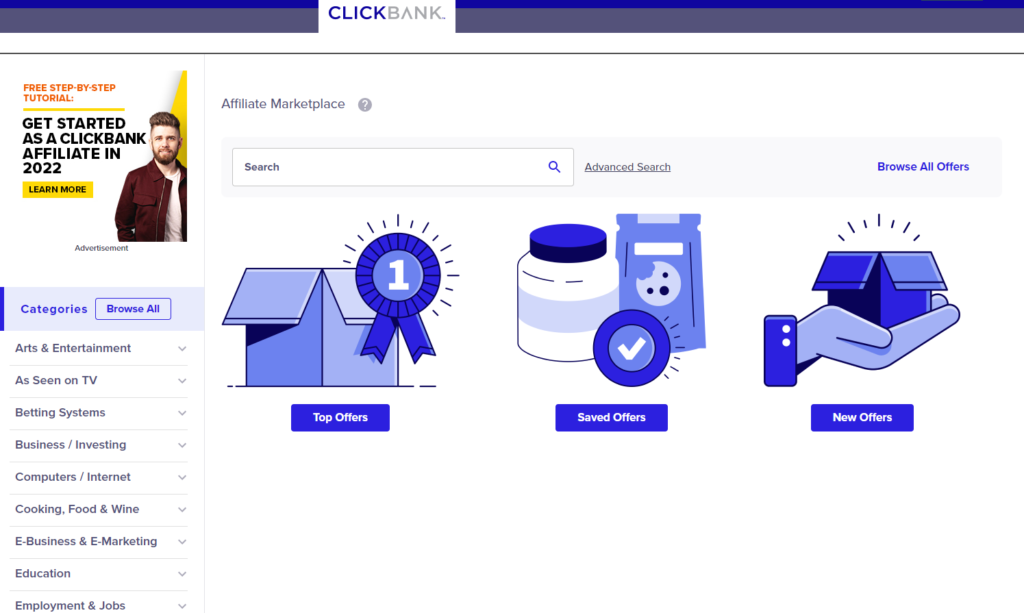
On the left side, you can choose the category or sub-category that you want to promote.
Step : 12
Choose a offer to promote by clicking on Promote
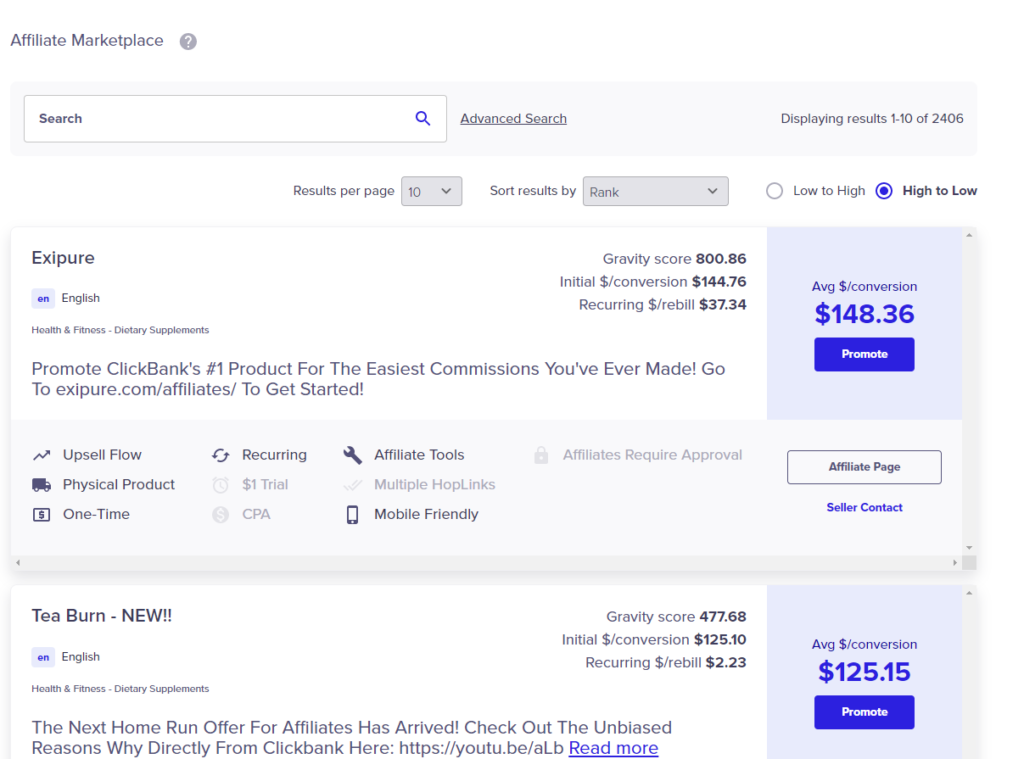
Step : 13
create a hoplink or affiliate link by entering your account nickname and clicking on Create hoptlink
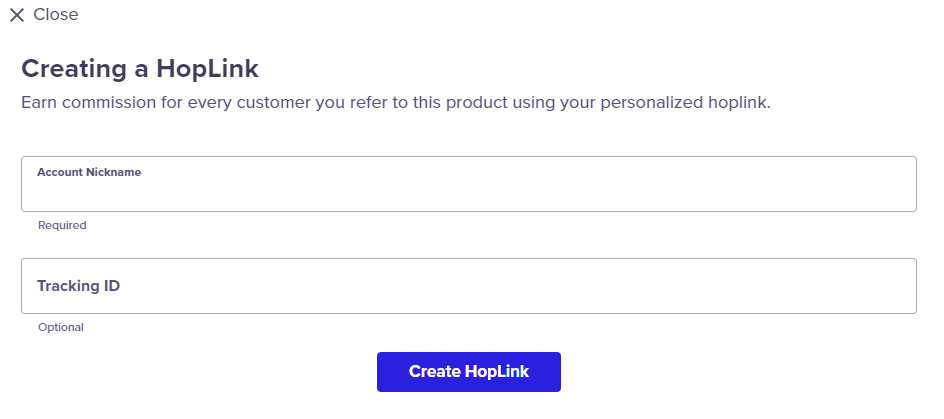
Step : 14
Take that affiliate link and post it on blog post or video post, forum etc,
That’s it.
Tips:
You can start on point A go on your own and with trails and errors if don’t give up , eventually you’ll get there to point B.
But if you want someone that teach you one of the faster way to make money then check this out
Wealth Diagram
Personal finance, passive income, and building wealth on your own terms.