How to Set Up Your Whop Store the Right Way (And Which Apps You Actually Need)
I get emails from people asking why their Whop store is not making money. They set it up, they added a product, they shared the link a few times — and nothing happened.
When I ask them to show me their store, the problem is almost always the same. The store is empty. Just a product listing with a price tag and nothing else. No community, no content, no reason for someone to stay after they pay.
Here is the thing about Whop that took me a while to understand: the product you sell is the access. The apps you add are what make that access worth paying for. If you set up your store without apps, you are selling an empty room and wondering why nobody wants to rent it.
I have been running my own Whop store — The Playbook — for a while now. I have made mistakes, figured out what works, and learned which apps are actually worth installing and which ones are noise. This post is what I wish someone had told me before I started.
What Whop Apps Actually Are
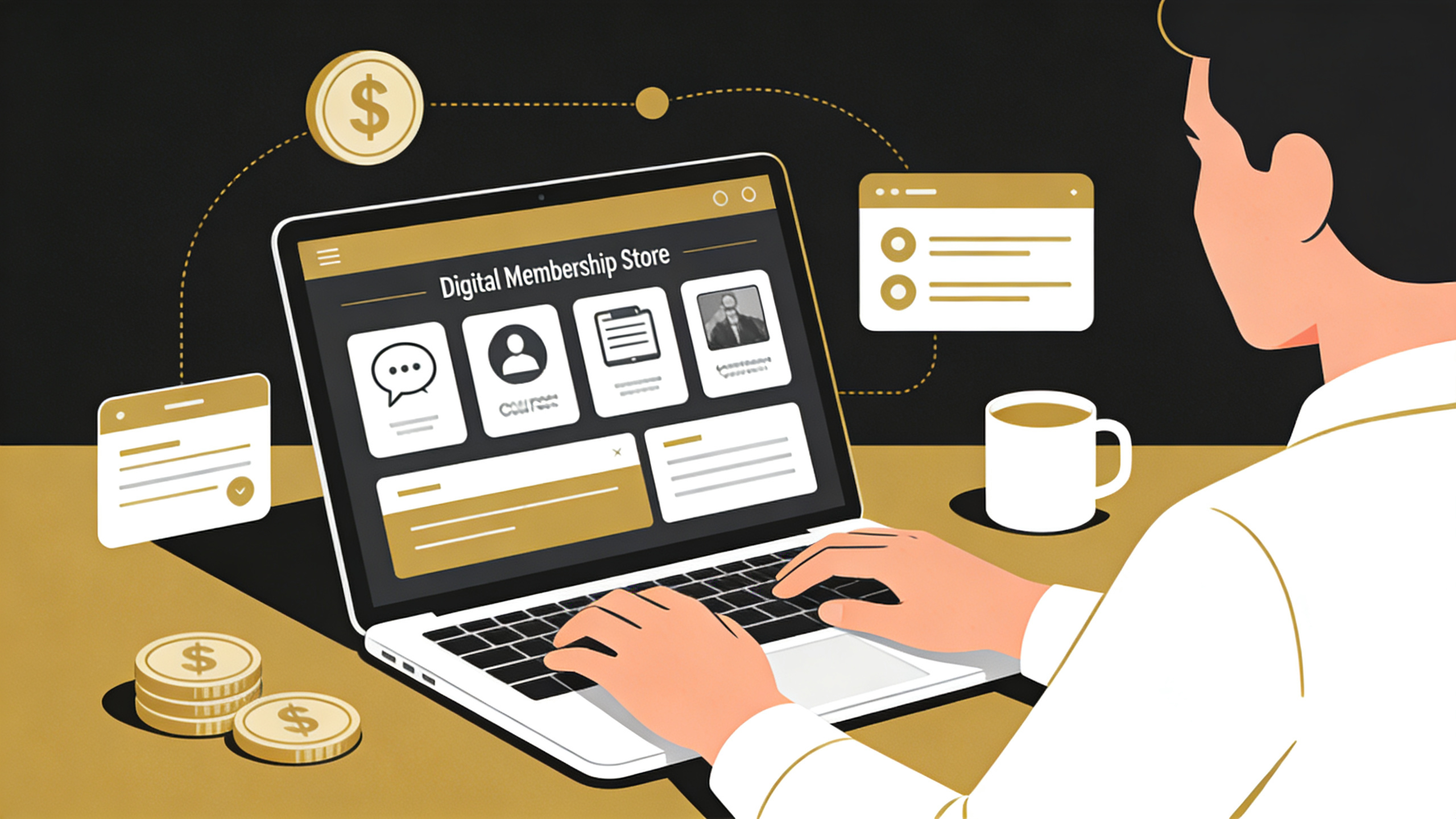
When you create a Whop, you start with a blank page. That blank page is your community. Whop calls the features you add “apps,” and each app becomes a new experience that your members get access to when they join.
Think of it like this: you are not just selling a PDF or a course. You are building a space. The apps are the furniture, the tools, the rooms inside that space. Without them, someone pays to get in and finds nothing to do.
Whop has hundreds of apps in their App Store. You can add any of them in one click. The question is not whether you can — it is which ones you should, and in what order.
The Core Apps That Most Stores Need
There are a handful of apps that show up in almost every successful Whop store. These are not niche tools — they are the foundation.

Chat
This is the most underrated app on Whop. Chat lets your members talk to each other inside your community. That might not sound like much, but think about what it actually does for your business.
When members can talk to each other, they build relationships with your community — not just with your content. That means they stick around longer. Retention is one of the hardest problems to solve when you are selling a membership, and a live chat channel solves a big part of it without you having to do anything extra.
You do not need to be in the chat every day. Just having it there gives your members a place to show up, ask questions, and feel like they are part of something.
Courses
If you have knowledge worth sharing — and you do, or you would not be building a Whop store — the Courses app is where you package it properly.
Courses lets you build multi-lesson content with videos and quizzes. You do not need to create a Hollywood production. A few short video lessons walking someone through what you know, organized in a logical order, is worth more than a hundred unstructured posts or PDF downloads.
The benefit of putting your knowledge in a course format is that it feels like a complete experience. Someone buys access, works through the lessons, gets a result. That is a much stronger product than a folder of files they have to figure out on their own.
Content
This is the app I use most. Content lets you create Notion-style pages with text, images, links, and embedded files. It is basically a documentation system for your community.
I use it to organize resources, post updates, and share frameworks my members can reference anytime. If you have PDFs, checklists, templates, or written guides, this is where they live inside your Whop. It is simple, clean, and works for almost any niche.
Apps You Might Not Need Right Away
Whop also has apps for livestreaming, forum discussions, calendar bookings, and more. These are valuable — but only when you have an audience that will actually use them.
Livestream is great if you are the kind of person who does live Q&A sessions, coaching calls, or regular updates. If you are an anonymous operator like me, it does not make sense. I keep my identity private, which means a public livestream is not part of how I run things.
Forums — and I have written about this before — are a default Whop feature that shows up whether you want it or not. Whop adds it to your store and to the Townhall automatically because it is part of how the platform surfaces your products for discovery. I spent almost a full day trying to delete it before I finally got a straight answer: you cannot permanently remove it. It is by design. If you are not going to use it, just leave it empty. It will not hurt you.
Calendar Bookings makes sense if you offer 1-on-1 coaching or consulting calls as part of your membership. If you are selling passive income products and digital downloads, you probably do not need it on day one.
Niche Apps — Where It Gets Interesting
Beyond the core tools, Whop has built specialized apps for specific types of communities. This is where the platform starts to feel less like a generic membership tool and more like a real business infrastructure.
For trading communities, there are apps for custom indicators and real-time crypto wallet trackers. For reselling groups, there are marketplace apps and price tracking tools. For AI software builders, there are custom GPT apps and video generation tools.
The point is that Whop is not just a place to upload a PDF and call it a product. If your audience has a specific, recurring need — data, tools, analysis — there is probably an app that delivers that directly inside your community.
This matters because it changes what you can sell. Instead of selling access to content, you can sell access to tools. That is a stickier offer, and it justifies higher prices.
The Mistake I See Most People Make
They install every app they can find and end up with a cluttered store that confuses new members.
Less is more. Pick two or three apps that directly serve what your members paid for. Make those exceptional. Add more later as your community grows and starts asking for specific things.
The stores that retain members and generate consistent income are not the ones with the most features. They are the ones where every feature feels intentional — where you can tell the person who built it thought carefully about what their members actually need.
Where to Start

If you are setting up a Whop store for the first time, here is the order I would follow:
- Install Content first. Upload your core resource — your PDF, your guide, your framework. Give members something to read on day one.
- Add Chat. Give them a place to introduce themselves and ask questions.
- If you have course-style knowledge, add Courses and build out at least one short lesson track.
- Leave everything else off until you have paying members who ask for it.
That is it. Do not overthink the setup. The store is not the hard part. Getting people in the door is the hard part. Keep the store simple, deliver real value on day one, and add features as your community tells you what they want.
If you want to see how I structured my own store, you can check out The Playbook. Everything I have learned about building and running an online income business — including the email sequences, the digital product setup, and the stuff nobody talks about — is inside.
Sources:
Whop App Store
How to add apps to your Whop
Wealth Diagram
Personal finance, passive income, and building wealth on your own terms.